
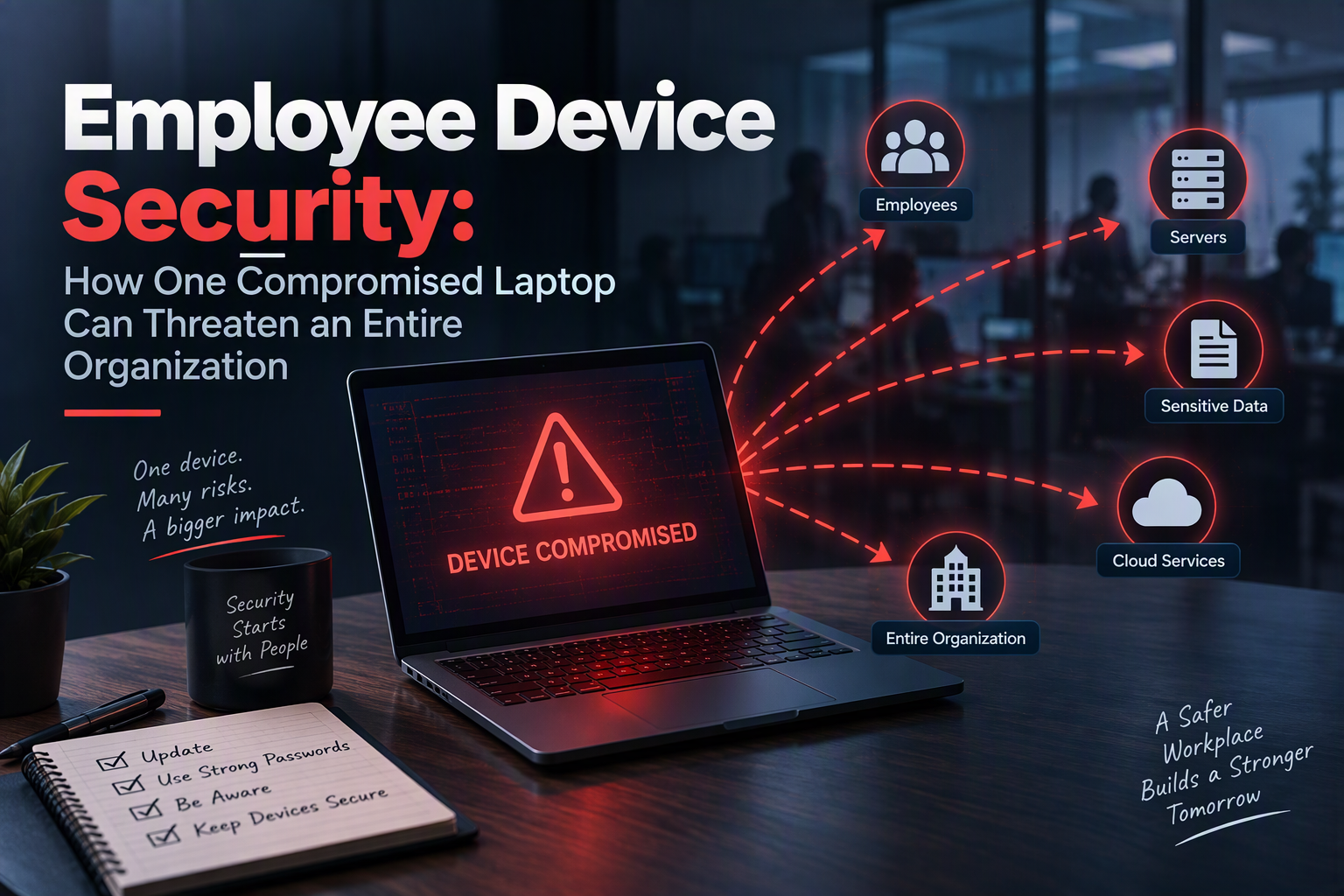
Picture an ordinary Tuesday morning. An employee opens an email that looks like an invoice from a supplier. They click the link, sign in to a page that looks like their company login, and go back to work. Nothing seems wrong. But that one click just handed an attacker a foothold, and the attacker is now sitting quietly on a laptop that is connected to the company network.
This is how many serious security incidents begin. Not with a dramatic break-in against a hardened server, but with a single ordinary device and a single ordinary mistake. A laptop is a trusted part of the organization. It holds saved passwords, open sessions, and access to email, files, and internal systems. If an attacker controls it, they can often act as that employee.
This guide explains why one compromised laptop is such a big risk, walks through how an attack typically spreads, and covers the practical steps that employees and organizations can take to stop it. The example in this post is a made-up scenario for teaching. The patterns, however, are very real.
Why a Single Laptop Matters So Much
It is tempting to think that a laptop is just one device among hundreds. But from the attacker’s point of view, an employee laptop is a very valuable target for several reasons:
- It is already inside the network. Firewalls protect the edge of a network. A laptop connected by Wi-Fi or VPN is already past that edge.
- It holds credentials. Browsers, email apps, and chat tools keep sign-in details and session tokens, which are small files that prove “this user is already logged in”.
- It is trusted. Other systems expect a normal employee to open files, connect to servers, and send emails, so malicious activity can blend in.
- It has human users. People can be tricked in ways that a firewall cannot.
- It leaves the building. Laptops connect to home networks, coffee shops, and airports, where protections are weaker.
The result: the security of the whole organization depends on its weakest, most exposed device.
How an Attack Spreads: The Stages
Attackers rarely stop at the first laptop. They usually move through a series of stages. Here is the typical path, using our example employee:
| Stage | What happens | Where it can be stopped |
|---|---|---|
| 1. Initial access | The employee clicks a phishing link or opens a malicious file. Malware installs, or the attacker steals the password. | Email filtering, employee training, multi-factor authentication |
| 2. Persistence | The attacker sets the malware to survive restarts and hides it from the user. | Endpoint protection, monitoring for unusual startup items |
| 3. Credential theft | The attacker collects saved passwords, browser sessions, and stored keys. | Password managers, MFA, short-lived sessions |
| 4. Discovery | The attacker maps the network: other computers, file shares, servers. | Network monitoring, segmentation |
| 5. Lateral movement | Using stolen credentials, the attacker logs in to other machines and accounts. | Least privilege, network segmentation, no shared admin passwords |
| 6. Privilege escalation | The attacker looks for an administrator account to gain full control. | Remove local admin rights, patch systems, monitor admin activity |
| 7. Impact | Data is stolen, systems are encrypted for ransom, or the attacker waits and spies. | Offline backups, incident response plan, data encryption |
The earlier the attack is stopped, the smaller the damage. A compromise caught at stage 2 might cost an afternoon. One discovered at stage 7 can cost weeks of downtime.
How Laptops Get Compromised
Most successful attacks use simple, common methods:
- Phishing emails and messages. The most common starting point. They pretend to be a boss, a supplier, a delivery company, or an IT department.
- Malicious downloads. Fake software updates, cracked programs, and files from untrusted websites can contain malware. See what malware is and how to stay safe.
- Unpatched software. Old versions of an operating system, browser, or app contain known flaws that attackers exploit. This links to the risk of zero-day and unpatched vulnerabilities.
- Weak or reused passwords. If a password leaks from one website, attackers try it everywhere else.
- Unknown USB drives. A drive found in a parking lot or handed out at an event can carry malware.
- Unsafe public Wi-Fi. Open networks make it easier to snoop on or tamper with traffic.
- Malicious browser extensions. An extension can read everything a user does in the browser.
- Lost or stolen devices. An unencrypted laptop in the wrong hands exposes everything on it.
- Unapproved apps and cloud services (“shadow IT”). Tools that IT does not know about cannot be protected or monitored.
What Is at Stake?
When a compromise spreads, the consequences can reach far beyond one employee:
- Data breach. Customer records, employee information, financial data, and trade secrets can be stolen.
- Ransomware and downtime. Systems get locked until a ransom is paid, and the business may stop working for days.
- Financial loss. Costs include recovery, lost sales, legal fees, and sometimes fraud such as fake invoices sent from a hijacked email account.
- Legal and regulatory trouble. Many organizations must report breaches and may face penalties for failing to protect data.
- Loss of trust. Customers and partners may leave after an incident, and rebuilding a reputation takes time.
A Real-World Example: The Binance Heist
The scenario above is made up, but a very recent event shows how seriously this risk should be taken. On October 30, 2026, Reuters reported (republished by Virginia Business) that hackers stole about $6.3 billion from Binance, the world’s largest cryptocurrency exchange. Analysts said it could be the largest financial heist of all time.
Here is what was reported:
- The theft was fast. Most of the money was taken in about 20 minutes. The attackers were able to order Binance wallets to empty into wallets they controlled.
- A laptop may have been the way in. Binance said an initial investigation suggested the breach may have started with a hacked laptop belonging to one of its engineers. That gave an attacker access to a system and allowed unauthorized withdrawals.
- It is not confirmed. Binance said it is still tracing the attack path, and it later said it had found additional points of breach. Treat the laptop as the leading theory, not a final conclusion.
- Who is blamed. The blockchain analysis firms TRM Labs and Chainalysis said they were highly confident North Korea was responsible, and Elliptic also believes so. North Korea routinely denies such claims. Binance said its investigation “has not attributed responsibility to any individual.”
- The response. Binance halted withdrawals, said customer funds were safe, and said it would cover the losses with company funds. It reported working with law enforcement.
This case is a powerful reminder of the lesson in this guide. It is not enough to protect servers and wallets if the devices of the people who can reach them are weak. A single engineer’s laptop can hold the access that attackers need. Compare it with the attack stages above: if the first laptop gives an attacker credentials or access to an internal system, the stages that follow can happen very quickly.
What organizations can learn from it, whatever their size:
- Treat the devices of people with powerful access as high-value targets. Developers, administrators, and finance staff need the strongest protection and monitoring.
- Never let one person or one device approve everything. Require more than one approval for high-risk actions such as large payments or changing system settings.
- Limit what any one device can do. The less access a laptop has, the less a compromise can cost.
- Plan for the day it happens. Quick detection, a tested response plan, and the ability to cut off access fast limit the damage.
This example comes from an early report on an ongoing investigation, so details may change as more facts become public. Check the latest coverage before quoting it elsewhere.
How Employees Can Protect Their Devices
Everyone in an organization is part of its security. These habits make the biggest difference:
- Keep everything updated. Install operating system, browser, and app updates promptly. Turn on automatic updates where you can.
- Use strong, unique passwords and a password manager. Never reuse a password across accounts.
- Turn on multi-factor authentication (MFA). Even if a password is stolen, a second factor can stop the attacker. Read more in what two-factor authentication is.
- Slow down on links and attachments. Check the sender, look for urgency or pressure, and verify unusual requests by calling or messaging the person directly.
- Lock your screen whenever you step away, and never leave a laptop unattended in a public place.
- Install only approved software. If you need a new tool, ask IT first.
- Be careful with USB drives and public Wi-Fi. Don’t plug in unknown drives. On public networks, use your company VPN.
- Report problems quickly. A fast report beats a perfect one. Nobody should fear punishment for reporting a click they regret.
How Organizations Can Reduce the Risk
People will make mistakes, so organizations need layers of protection that limit the damage when they do:
- Endpoint protection. Use modern antivirus or endpoint detection and response (EDR) tools that watch for suspicious behavior, not just known viruses.
- Patch management. Track devices and apply updates on a schedule, with the most urgent security fixes first.
- Full-disk encryption. If a laptop is lost or stolen, the data stays unreadable.
- MFA everywhere. Require it for email, VPN, cloud tools, and admin accounts.
- Least privilege. Give people only the access they need. Remove local administrator rights from everyday accounts.
- Network segmentation. Divide the network into smaller zones so an attacker on one laptop cannot reach everything. See what a subnet is.
- Email and web filtering. Block known malicious messages and websites before users see them.
- Mobile device management (MDM). Enforce settings, track devices, and remotely lock or wipe them. If your staff use personal devices, see Bring Your Own Device (BYOD): Benefits, Risks, and Policies.
- Backups you have tested. Keep copies offline or in a separate account, and practice restoring them.
- Logging and monitoring. You cannot respond to what you cannot see. Collect logs and review alerts.
- An incident response plan. Write down who does what when something goes wrong, and rehearse it.
- Good onboarding and offboarding. Set up new devices securely, and remove access and recover devices promptly when someone leaves.
- Ongoing training. Short, regular sessions beat one long annual lecture. Cybersecurity Awareness Month is a good time for a refresher.
Many security teams now follow a “zero trust” mindset: never assume a device or user is safe just because it is inside the network. Every request is checked, every time.
Signs a Laptop Might Be Compromised
Not every infection is obvious, but some warning signs include:
- The laptop suddenly runs slowly, or the fan is loud when it should be idle
- New programs, browser toolbars, or extensions you did not install
- Antivirus or other security tools turned off without your action
- Pop-ups, redirects, or changes to your browser’s home page or search engine
- Password reset emails or login alerts you did not request
- Friends or coworkers receiving strange messages from your accounts
- Files that suddenly cannot be opened, or a ransom message on the screen
Any one of these can have an innocent cause, but together or repeated they deserve a quick check by IT.
What to Do If You Think Your Laptop Is Compromised
Speed matters. Follow your company’s own procedure if there is one. If not, these steps are a sensible starting point:
- Disconnect from the network. Turn off Wi-Fi and unplug network cables, so the attacker loses their connection.
- Do not try to clean it yourself, and do not delete files or wipe the device. That can destroy evidence that helps investigators.
- Tell IT or your security team immediately. Explain what you clicked or noticed and when.
- Change your passwords from a different, trusted device. Start with email and any account that gives access to work systems.
- Follow IT’s instructions about whether to power the device off, hand it in, or reset it.
- Watch your accounts afterward for signs of unusual activity.
A Checklist for Freelancers and Small Teams
If you work alone or in a small business, you may be the whole IT department, and your laptop likely holds logins to client websites, hosting accounts, and domain registrars. That makes it an attractive target. At a minimum:
| Do this | Why |
|---|---|
| Turn on full-disk encryption | Protects client data if the laptop is lost or stolen |
| Enable automatic updates | Closes known security holes |
| Use a password manager and MFA on every account | Limits the damage from one stolen password |
| Keep client logins separate and limited | One breach does not expose everyone |
| Back up regularly and test a restore | Lets you recover from ransomware or hardware failure |
| Use a separate user account for daily work, not an administrator | Makes it harder for malware to take over the system |
| Be cautious with public Wi-Fi | Reduces snooping and tampering |
For more everyday habits, see Safer Internet Day: Online Safety Tips & Guide.
Conclusion
One compromised laptop can threaten an entire organization because a laptop is a trusted device with real access: saved passwords, active sessions, and a path to everything else. Attackers follow a predictable chain, from the first click to stolen credentials, lateral movement, and finally data theft or ransomware. Each stage is a chance to stop them.
The good news is that the defenses are well understood. Keep software updated, use MFA and a password manager, limit access, encrypt devices, segment the network, back up and test your restores, and make it easy and safe for people to report mistakes quickly. Security works best when employees and organizations share the job. No single tool is perfect, but a few layers of simple, consistent protection make the difference between a bad afternoon and a company-wide crisis.