
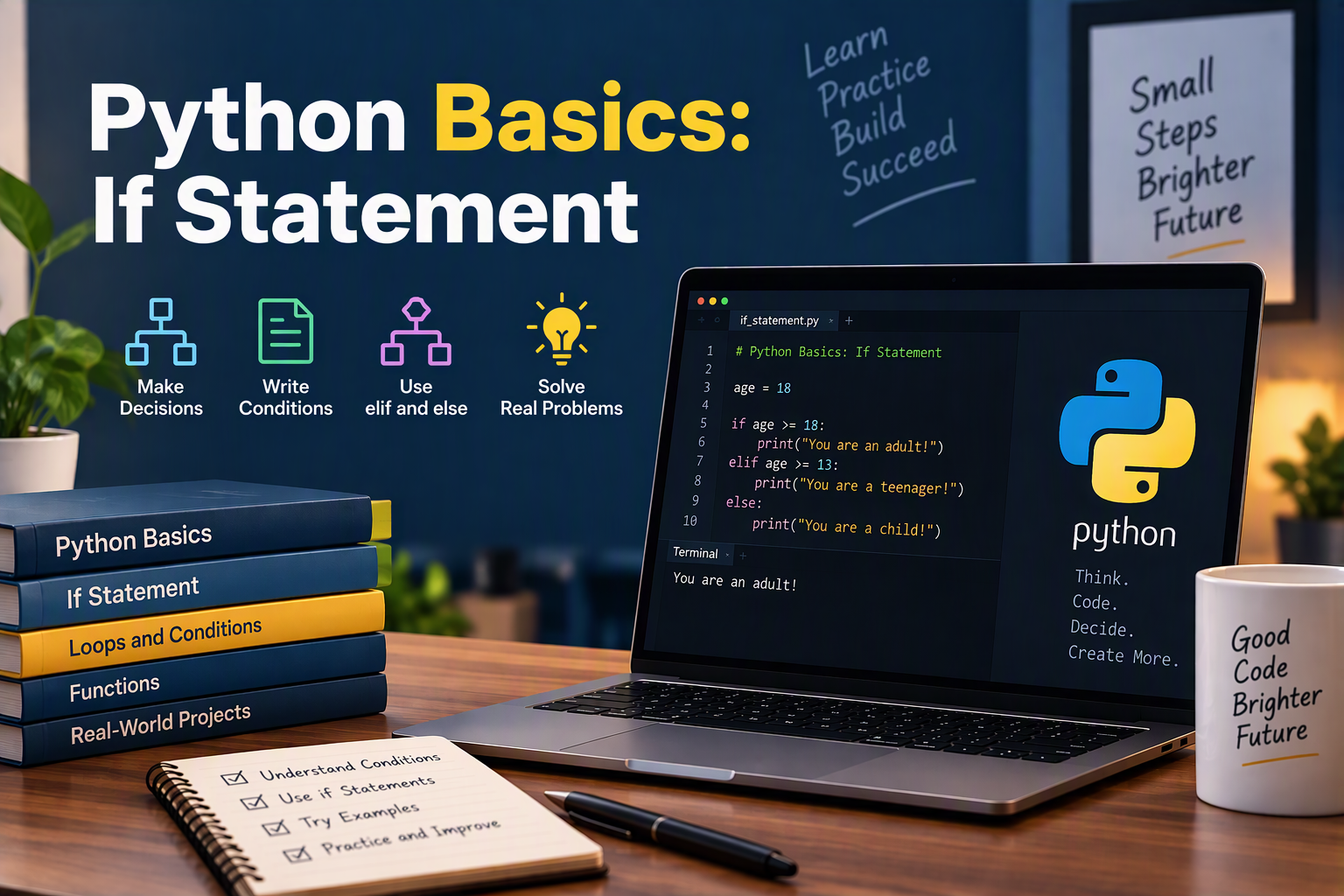
Python Basics series — Part 4. This post continues Part 1: What Every Beginner Should Know, Part 2: Variables and Data Types, and Part 3: Lists and Dictionaries. Each post in the series takes one topic and covers it in depth. This one is about if statements: how your programs make decisions.
So far in this series, every program has run straight from top to bottom, doing the same thing every time. Real programs need to make decisions. Is the form complete? Has the invoice been paid? Is the order big enough for free shipping? Should this visitor see the English or the Spanish page?
The if statement is how Python makes those decisions. It checks whether something is true, and runs a block of code only when it is. You saw a short example in Part 1; in this post, you’ll learn everything you need to write clear, reliable conditions — from the basic syntax to combining conditions, handling several cases, and avoiding the mistakes that catch almost every beginner.
As always, open the Python shell (python3 in your terminal) and try each example yourself.
How an If Statement Works
Here’s the simplest possible if statement:
budget = 3000

if budget > 2000:
    print("This project qualifies for a custom design.")
It has three parts:
- The keyword
if. - A condition — an expression that is either true or false. Here,
budget > 2000. - A colon (
:), followed by an indented block of code that runs only when the condition is true.
When Python reaches the if, it evaluates the condition. If it’s True, Python runs the indented block. If it’s False, Python skips the block and carries on with whatever comes after it.
Indentation Matters
In many languages, curly braces mark where a block starts and ends. Python uses indentation instead. Every line that’s indented under the if belongs to it; the first line that isn’t indented marks the end:
budget = 1500

if budget > 2000:
    print("Custom design included.")
    print("Includes 3 rounds of revisions.")
print("Thanks for your request!")   # not indented: always runs
With a budget of 1500, only Thanks for your request! prints. The standard is 4 spaces per level. Most code editors insert them automatically when you press Tab after a colon.
Comparison Operators
Most conditions compare two values. These are Python’s comparison operators, and each one produces True or False:
| Operator | Meaning | Example | Result |
|---|---|---|---|
== | Equal to | 5 == 5 | True |
!= | Not equal to | 5 != 3 | True |
> | Greater than | 5 > 3 | True |
< | Less than | 5 < 3 | False |
>= | Greater than or equal to | 5 >= 5 | True |
<= | Less than or equal to | 3 <= 5 | True |
Remember from Part 2: a single = assigns a value, while a double == compares two values.
Comparing Strings
You can compare text with == and !=, but the comparison is case-sensitive:
plan = "Premium"

print(plan == "Premium")   # True
print(plan == "premium")   # False
When you’re comparing something a person typed, normalize it first with .lower() (and .strip() to remove stray spaces):
answer = "  YES "
if answer.strip().lower() == "yes":
    print("Confirmed!")
Chaining Comparisons
Python lets you check whether a value falls in a range by chaining comparisons, just like you would in math:
age = 34

if 18 <= age < 65:
    print("Standard pricing applies.")
That’s the same as age >= 18 and age < 65, just easier to read.
If and Else
Often you want to do one thing when a condition is true and something else when it’s false. That’s what else is for:
is_paid = False

if is_paid:
    print("Thank you! Your website will launch this week.")
else:
    print("Your invoice is still open.")
Exactly one of the two blocks always runs — never both, never neither. Notice that else has no condition of its own; it simply catches everything the if didn’t.
Handling Several Cases with Elif
When there are more than two possibilities, add elif (short for “else if”). Python checks each condition from top to bottom and runs the block for the first one that’s true. Every other branch is skipped:
pages = 7

if pages <= 1:
    package = "Landing Page"
elif pages <= 5:
    package = "Starter Website"
elif pages <= 10:
    package = "Business Website"
else:
    package = "Custom Quote"

print(package)   # Business Website
You can have as many elif branches as you need, and the else at the end is optional. Without an else, it’s possible for no block to run at all.
Order Matters
Because Python stops at the first true condition, the order of your branches matters. Here’s a common bug:
order_total = 150

# Wrong order: the first condition catches everything over 50
if order_total > 50:
    discount = 5
elif order_total > 100:
    discount = 10      # never reached for 150!
else:
    discount = 0

print(discount)   # 5
An order of $150 is greater than 50, so the first branch wins and the > 100 branch never gets a chance. Put the most specific (or largest) condition first:
if order_total > 100:
    discount = 10
elif order_total > 50:
    discount = 5
else:
    discount = 0

print(discount)   # 10
Combining Conditions: And, Or, Not
Python’s logical operators let you combine several conditions into one:
and— true only if both sides are true.or— true if at least one side is true.not— flips true to false, and false to true.
is_paid = True
has_content = False
is_rush = True

if is_paid and has_content:
    print("Ready to start building.")

if is_rush or is_paid:
    print("Add to this week's schedule.")

if not has_content:
    print("Waiting on the client's text and photos.")
This prints Add to this week's schedule. and Waiting on the client's text and photos. The first message doesn’t print, because has_content is False.
Use Parentheses to Make Your Intent Clear
When you mix and and or, Python evaluates not first, then and, then or — the same way multiplication happens before addition in math. That can produce surprises. Parentheses make the order obvious, both to Python and to anyone reading your code:
is_member = False
order_total = 120
has_coupon = True

# Free shipping for members, or for any order over $100 that uses a coupon
if is_member or (order_total > 100 and has_coupon):
    print("Free shipping!")
Short-Circuit Evaluation
Python stops evaluating as soon as it knows the answer. With and, if the left side is False, the right side is never checked; with or, if the left side is True, the right side is skipped. This is useful for guarding a check that would otherwise fail:
client = {"name": "Maria"}

# Without the first check, client["email"] would raise a KeyError
if "email" in client and client["email"].endswith(".com"):
    print("Email looks good.")
else:
    print("No valid email on file.")
Conditions Don’t Have to Be Comparisons
Any value can be used as a condition. As you learned in Part 2, empty values — "", 0, [], {}, and None — count as false, and almost everything else counts as true. That lets you write short, natural checks:
name = ""
tasks = ["Write copy", "Choose photos"]

if not name:
    print("Please enter your name.")

if tasks:
    print(f"You have {len(tasks)} tasks left.")
Checking Membership with In
The in operator from Part 3 is perfect inside an if:
allowed_types = ["Website", "SEO", "Hosting"]
project_type = "Logo"

if project_type not in allowed_types:
    print(f"Sorry, we don't offer {project_type} projects yet.")

client = {"name": "Maria", "phone": "555-0100"}
if "phone" in client:
    print(f"Call {client['name']} at {client['phone']}.")
in also works on strings, which makes simple text checks easy:
email = "[email protected]"
if "@" in email:
    print("That looks like an email address.")
Checking for None
To check whether a variable has no value yet, use is None (or is not None):
launch_date = None

if launch_date is None:
    print("Launch date not scheduled yet.")
Use is only for None (and True/False in rare cases). For everything else — numbers, text, lists — compare values with ==.
Nested If Statements
You can put an if inside another if. The inner condition is only checked when the outer one is true:
is_logged_in = True
role = "editor"

if is_logged_in:
    if role == "admin":
        print("Show the full dashboard.")
    else:
        print("Show the editor dashboard.")
else:
    print("Please log in.")
Nesting is sometimes the clearest option, but each level pushes your code further to the right and makes it harder to follow. When you only need both conditions to be true, combining them with and is usually cleaner:
# Nested
if is_logged_in:
    if role == "admin":
        print("Welcome, admin.")

# Flatter and easier to read
if is_logged_in and role == "admin":
    print("Welcome, admin.")
A good rule of thumb: if you’re three levels deep, look for a way to flatten it.
One-Line Conditions: The Conditional Expression
When you just need to choose between two values, Python has a compact form called a conditional expression (sometimes called the ternary operator):
is_paid = True
status = "Paid" if is_paid else "Unpaid"
print(status)   # Paid
Read it as: “status is "Paid" if is_paid is true, otherwise "Unpaid".” It’s the same as this four-line version:
if is_paid:
    status = "Paid"
else:
    status = "Unpaid"
It’s great inside f-strings, too:
items = 1
print(f"You have {items} {'item' if items == 1 else 'items'} in your cart.")
# You have 1 item in your cart.
Conditional expressions are best for simple choices between two values. If you need elif, or more than one line of code per branch, use a regular if statement.
Matching a Value Against Options: The Match Statement
If you’re comparing one variable against many specific values, a long elif chain can get repetitive. Python 3.10 and newer offer the match statement for exactly this:
status_code = 404

match status_code:
    case 200:
        message = "OK"
    case 301 | 302:
        message = "Redirect"
    case 404:
        message = "Page not found"
    case 500:
        message = "Server error"
    case _:
        message = "Unknown status"

print(message)   # Page not found
Each case lists a value to match. | means “or,” and _ is a catch-all that matches anything, like else. match can do a lot more than this, but for beginners, an if/elif chain works perfectly well — use whichever reads more clearly.
Putting It All Together: A Contact Form Validator
Here’s a script that uses everything from this post — plus the lists and dictionaries from Part 3 — to check a contact form submission the way a website would before sending it:
form = {
    "name": "Maria Lopez",
    "email": "maria@example",
    "budget": "1500",
    "project_type": "Website",
    "message": "",
}

ALLOWED_TYPES = ["Website", "SEO", "Hosting"]
MIN_BUDGET = 500
errors = []

# Name is required
if not form["name"].strip():
    errors.append("Please enter your name.")

# Email needs an @ and a dot after it
email = form["email"].strip()
if "@" not in email:
    errors.append("Please enter a valid email address.")
elif "." not in email.split("@")[1]:
    errors.append("Your email address is missing a domain, like .com.")

# Budget must be a whole number and at least the minimum
budget = form["budget"].strip()
if not budget.isdigit():
    errors.append("Budget must be a whole number.")
elif int(budget) < MIN_BUDGET:
    errors.append(f"Our minimum budget is ${MIN_BUDGET}.")

# Project type must be one we offer
if form["project_type"] not in ALLOWED_TYPES:
    errors.append("Please choose a project type from the list.")

# A message is optional, but a short one gets a reminder
message = form["message"].strip()
if message and len(message) < 20:
    errors.append("Please tell us a little more about your project.")

# Show the result
if errors:
    print(f"Please fix {len(errors)} {'problem' if len(errors) == 1 else 'problems'}:")
    for error in errors:
        print(f"- {error}")
else:
    print(f"Thanks, {form['name']}! We'll be in touch soon.")
Running it prints:
Please fix 1 problem:
- Your email address is missing a domain, like .com.
Change "maria@example" to "[email protected]" and run it again — this time you’ll see the thank-you message. Then try breaking other fields: clear the name, set the budget to "300" or "abc", or change the project type.
Notice how the email check uses if/elif: the second check (split("@")[1]) would fail if there were no @, so it only runs when the first check passes. That’s the same guarding idea as short-circuit evaluation.
Common Beginner Mistakes
Using = instead of ==. if total = 100: is a SyntaxError. A condition needs == to compare.
Forgetting the colon. Every if, elif, and else line ends with :. Without it, Python raises a SyntaxError: expected ':'.
Inconsistent indentation. Mixing tabs and spaces, or indenting one line in a block more than the others, causes an IndentationError. Use 4 spaces and let your editor handle it.
Writing or like you would in English. This looks right, but it’s always true:
color = "green"
if color == "red" or "blue":
    print("Primary color!")   # prints, even though color is green
Python reads it as (color == "red") or ("blue"), and a non-empty string like "blue" is always truthy. Compare each value fully, or better, use in:
if color in ("red", "blue"):
    print("Primary color!")
Putting elif branches in the wrong order. Python runs only the first true branch, so check the most specific conditions first.
Comparing to True or False. if is_paid == True: works, but if is_paid: is simpler and is standard Python style. Likewise, write if not is_paid: instead of if is_paid == False:.
Using is to compare values. is checks whether two names point to the same object, not whether they’re equal. It can appear to work for small numbers and short strings, then fail unexpectedly. Use == for values and save is for None.
Expecting exact float comparisons. 0.1 + 0.2 == 0.3 is False (see Part 2). Round both sides first: round(0.1 + 0.2, 2) == 0.3.
Forgetting that input() returns text. if input("Age? ") >= 18: raises a TypeError, because Python can’t compare text to a number. Convert first: if int(input("Age? ")) >= 18:.
Practice Exercises
- Ask the user for a number with
input(), and print whether it’s positive, negative, or zero. - Write a grade calculator: 90 and above is an A, 80–89 a B, 70–79 a C, 60–69 a D, and anything lower an F.
- A store offers free shipping on orders of $75 or more, and to members on any order. Given
order_totalandis_member, print whether shipping is free. - Given a year, print whether it’s a leap year. (A year is a leap year if it’s divisible by 4, except years divisible by 100, unless they’re also divisible by 400. Hint: use
%.) - Ask for a username and password, and print
Welcome!only if the username is"admin"and the password is at least 8 characters long. - Use a conditional expression to print
"1 page"or"N pages"correctly for any number of pages.
For more practice, the early projects in the 100 Days of Python Challenge — like the rock-paper-scissors and number-guessing games — are built almost entirely on if statements.
Conclusion
The if statement is how your programs make decisions. With if, elif, and else, you can run different code for different situations. Comparison operators and the logical operators and, or, and not let you describe exactly the situation you care about, and truthy values, in, and is None keep your conditions short and readable. When you just need to pick between two values, the conditional expression does it in one line.
Combined with the variables, lists, and dictionaries from the earlier parts of this series, you can now write programs that react to their data: validating forms, applying discounts, choosing what to show, and flagging what needs attention.
Next in the Python Basics series: User Input and While Loops, how to ask the user for information and repeat code until a condition is met.
Python Basics series: Part 1: What Every Beginner Should Know · Part 2: Variables and Data Types · Part 3: Lists and Dictionaries · Part 4: If Statement · Part 5: User Input and While Loops · Part 6: Functions · Part 7: Classes · Part 8: Files and Exceptions · Part 9: Testing Your Code