
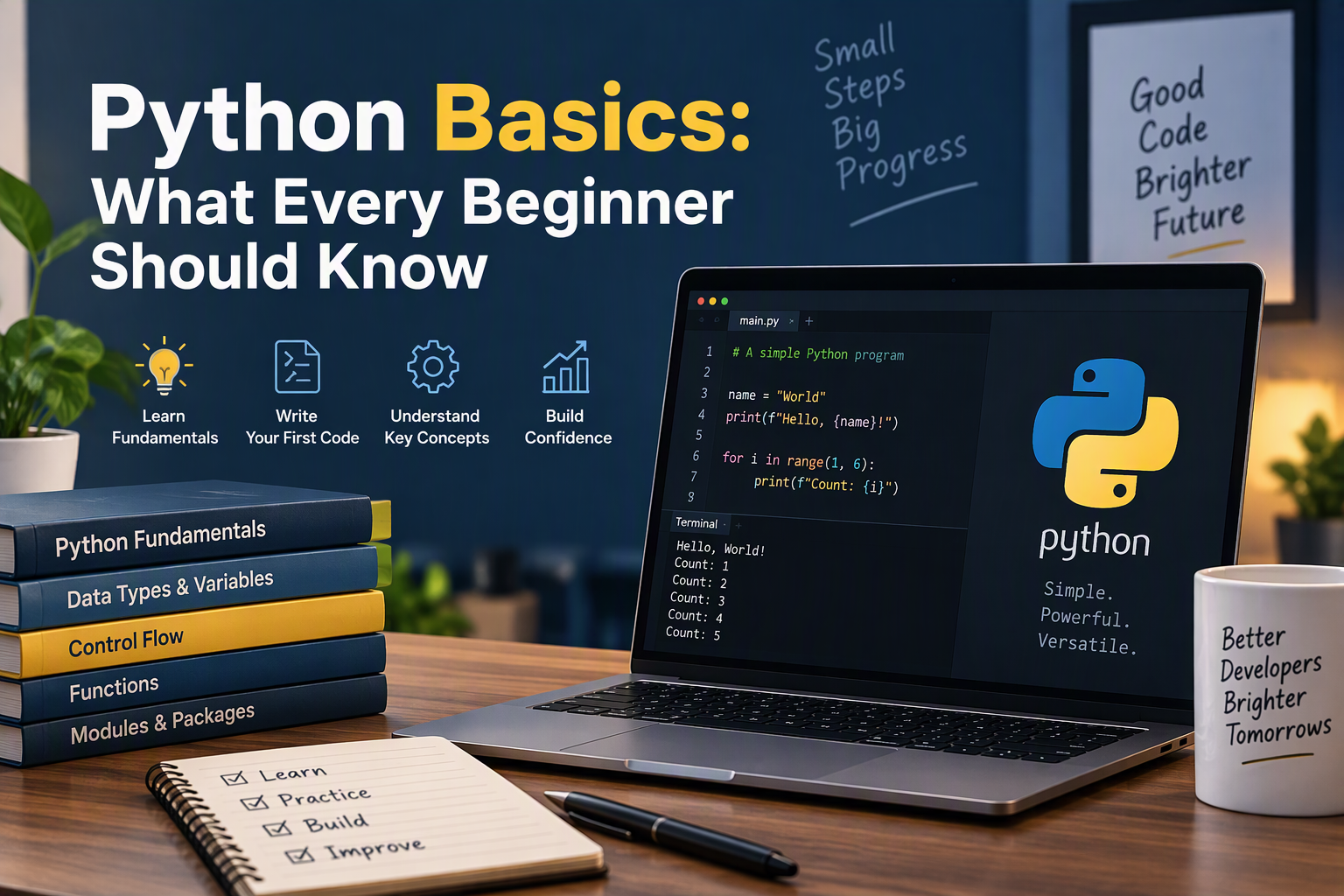
Python Basics series — Part 1. This post is a quick tour of the fundamentals. Each follow-up post takes one topic and covers it in depth:
- What Every Beginner Should Know (you are here)
- Variables and Data Types
- Lists and Dictionaries
- If Statement
- User Input and While Loops
- Functions
- Classes
- Files and Exceptions
- Testing Your Code (final part)
If you’ve spent your time so far learning HTML, CSS, and maybe a little JavaScript, Python can feel like a completely different world — and in some ways, it is. Where HTML structures a page and JavaScript makes it interactive in the browser, Python is the language you reach for once you need to automate a task, analyze data, or build something that runs outside the browser entirely.
Python basics are worth learning even if web design is your main focus. Its simple, readable syntax makes it one of the easiest programming languages to pick up, and it’s genuinely useful for a beginner web designer — automating repetitive tasks, cleaning up a client’s spreadsheet export, or scripting something a browser simply can’t do on its own.
This guide covers the essential Python basics every beginner should know: variables and data types, operators, conditionals, loops, functions, and comments — along with the most common beginner mistakes and where to practice once the fundamentals click.
What Is Python?
Python is a general-purpose programming language known for its clean, readable syntax. Unlike JavaScript, which runs inside a web browser, Python runs on your computer (or a server) directly, which makes it a popular choice for automation scripts, data analysis, backend web development, and general-purpose programming.
Why Learn Python as a Web Designer?
Python basics open doors beyond the browser. Once you’re comfortable with the fundamentals, you can move into things like:
- Cleaning and analyzing client data with Python Pandas
- Pulling data from spreadsheets, APIs, and databases for data analysis
- Managing project dependencies cleanly with modern tools like uv
- Keeping secrets like API keys safe with .env files
None of that is accessible without the basics covered in this guide, so that’s exactly where to start.
Core Python Basics Every Beginner Should Know
Variables and Data Types
Variables store data you want to use later. Python doesn’t require you to declare a data type — it figures that out automatically based on the value:
name = "Alex"       # string (text)
age = 28             # integer (whole number)
height = 5.9         # float (decimal number)
is_designer = True   # boolean (True or False)
Python’s most common built-in data types are:
- Strings (
str) — text, wrapped in quotes:"hello" - Integers (
int) — whole numbers:10 - Floats (
float) — decimal numbers:3.14 - Booleans (
bool) —TrueorFalse - Lists — ordered, changeable collections:
["red", "green", "blue"] - Dictionaries — key-value pairs:
{"name": "Alex", "age": 28}
For a deeper look at naming rules, every core type, converting between types, and the mistakes beginners make most often, read Part 2 of this series: Python Basics: Variables and Data Types.
Operators
Operators let you work with variables and values:
# Arithmetic
total = 10 + 5     # 15
difference = 10 - 5  # 5

# Comparison
print(10 > 5)      # True
print(10 == 5)     # False
Conditionals
Conditionals let a program make decisions based on whether something is true or false:
age = 20

if age >= 18:
    print("You are an adult.")
elif age >= 13:
    print("You are a teenager.")
else:
    print("You are a child.")
For a deeper look at if, elif, and else, combining conditions, and the mistakes beginners make most often, read Part 4 of this series: Python Basics: If Statement.
Loops
Loops let you repeat an action without writing the same code over and over:
# For loop: repeat a set number of times
for i in range(5):
    print("Count:", i)

# While loop: repeat until a condition is False
count = 0
while count < 5:
    print("Count:", count)
    count += 1
To learn how to get input from the user and use while loops to keep asking until the answer is valid, read Part 5 of this series: Python Basics: User Input and While Loops.
Functions
Functions are reusable blocks of code that run when you call them:
def greet_user(name):
    return f"Welcome, {name}!"

print(greet_user("Alex"))
Functions let you write a piece of logic once and reuse it anywhere in your program, instead of copying and pasting the same code repeatedly.
To learn about parameters, return values, scope, and organizing functions into modules, read Part 6 of this series: Python Basics: Functions.
Comments
Comments explain your code without affecting how it runs:
# This is a single-line comment
print("Hello, world!")  # This runs and prints text
Common Beginner Mistakes to Avoid
- Mixing tabs and spaces. Python uses indentation to define code blocks, so inconsistent spacing causes errors. Stick to spaces (most editors handle this automatically).
- Forgetting the colon (
:) at the end ofif,for,while, anddefstatements. - Confusing
=and==. A single=assigns a value;==checks if two values are equal. - Off-by-one errors in loops. Remember that
range(5)counts from 0 to 4, not 1 to 5. - Not reading the error message. Python’s error messages usually point directly at the line and reason for the problem — read them before searching elsewhere.
How to Practice Python Basics
Reading about Python basics only gets you so far — actually writing code is what makes it stick. A few ways to practice:
- Write small, throwaway scripts that solve a tiny problem, like converting temperatures or calculating a tip.
- Follow a structured, project-based challenge like the 100 Days of Python Challenge, which builds one small project a day using the exact concepts covered here.
- Revisit your own old code after a few weeks and see if you can improve it — that’s often when the concepts really click.
Conclusion
Python basics — variables, data types, operators, conditionals, loops, functions, and comments — are the foundation everything else in Python is built on. They may look simple on their own, but combined, they’re enough to build real, working programs.
For a beginner web designer, learning Python basics opens up automation, data analysis, and backend work that HTML, CSS, and JavaScript alone can’t cover. Start small: write a script that solves one tiny problem, get comfortable with these fundamentals, and build from there. Once the basics feel natural, the more advanced Python skills — like data cleaning, project tooling, and API work — become a lot more approachable.
Next in the Python Basics series: Variables and Data Types, a deeper look at storing and working with data in Python.