
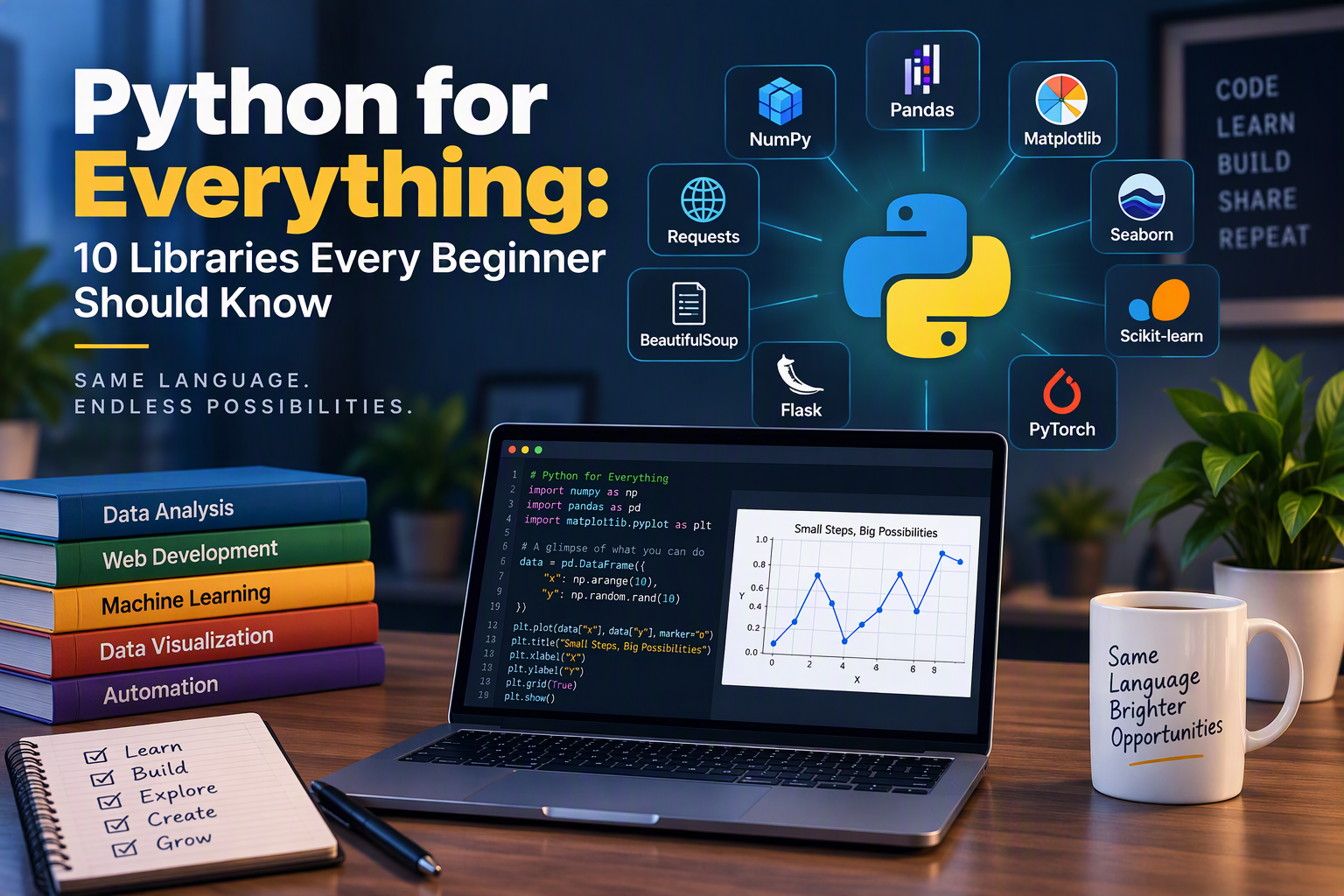
Python is popular because one language can do almost anything. The reason is its libraries: ready-made code that handles the hard parts so you can focus on your idea. Want to analyze a spreadsheet, build a website, or teach a computer to recognize faces? There is a library for that.
The infographic below shows 10 of the most popular ones. This guide walks through each one, what it is for, and where a beginner might use it.
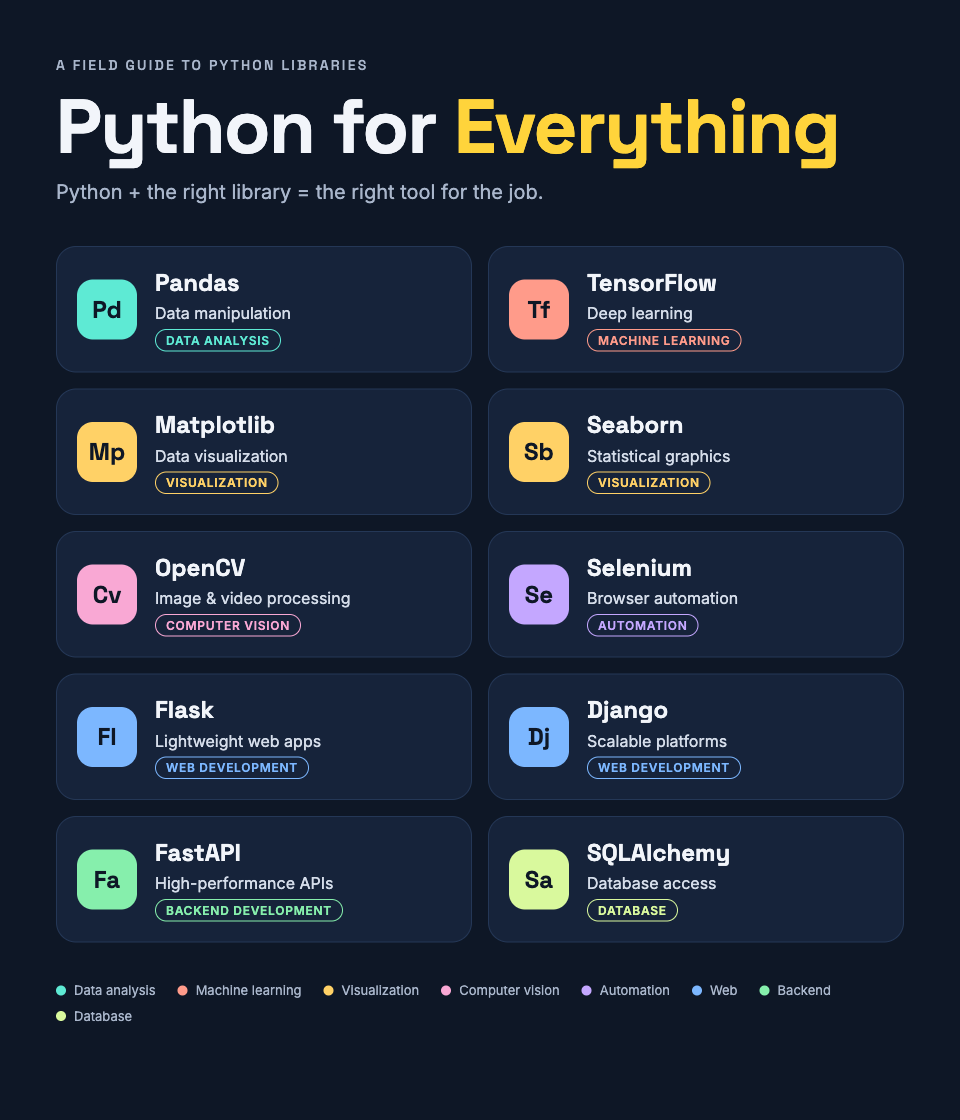
A note on the graphic: two entries have small mistakes. The Seaborn card describes BeautifulSoup and web scraping, and the OpenCV card says “game development”. This post uses the correct descriptions.
Quick overview
| Library | Category | Best for |
|---|---|---|
| Pandas | Data analysis | Cleaning and manipulating data |
| TensorFlow | Machine learning | Deep learning |
| Matplotlib | Visualization | Charts and graphs |
| Seaborn | Visualization | Statistical charts |
| Selenium | Automation | Browser automation |
| FastAPI | Backend development | High-performance APIs |
| SQLAlchemy | Database | Database access |
| Flask | Web development | Lightweight web apps |
| Django | Web development | Scalable platforms |
| OpenCV | Computer vision | Image and video processing |
Data and machine learning
1. Pandas: data manipulation
Pandas works with table-like data, like a spreadsheet you control with code. You can load a CSV file, filter rows, fix missing values, and summarize results in a few lines.
import pandas as pd

df = pd.read_csv("sales.csv")
print(df.groupby("region")["total"].sum())
Use it when: your data is messy or too large for Excel.
2. TensorFlow: deep learning
TensorFlow, created by Google, builds and trains neural networks. It powers things like image recognition, speech tools, and recommendation systems.
Use it when: you want to train a model on lots of data. It has a learning curve, so learn Pandas first.
Visualization
3. Matplotlib: data visualization
Matplotlib is the classic plotting library. It makes line charts, bar charts, scatter plots, and more.
import matplotlib.pyplot as plt

plt.bar(["Jan", "Feb", "Mar"], [120, 150, 90])
plt.title("Monthly sales")
plt.show()
Use it when: you need a chart and want full control over how it looks.
4. Seaborn: statistical charts
Seaborn is built on top of Matplotlib. It makes better-looking charts with less code, especially for showing how data is spread out or how variables relate.
import seaborn as sns

sns.histplot(data=df, x="total")
Use it when: you want a clean chart quickly. It works well with Pandas.
Automation
5. Selenium: browser automation
Selenium controls a real web browser. It can open pages, click buttons, fill in forms, and read what appears on screen.
Use it when: you need to automate a site that has no API, or test your own website. For simple scraping of static pages, BeautifulSoup is lighter and easier.
Backend and databases
6. FastAPI: high-performance APIs
FastAPI builds APIs, the services that apps and websites use to exchange data. It is fast, checks your data automatically, and generates interactive documentation for you.
from fastapi import FastAPI

app = FastAPI()

@app.get("/hello")
def hello():
    return {"message": "Hello, world"}
Use it when: you are building a modern API for a mobile app or front end.
7. SQLAlchemy: database access
SQLAlchemy lets you work with databases using Python objects instead of writing every SQL query by hand. It supports SQLite, PostgreSQL, MySQL, and others.
Use it when: your app stores data in a database. Learn basic SQL first so you understand what it is doing for you.
Web development
8. Flask: lightweight web apps
Flask is a small, simple web framework. A working site can be a few lines long, and you add only the pieces you need.
Use it when: you are learning web development, or building a small site or tool.
9. Django: scalable platforms
Django is a full framework. It includes user accounts, an admin panel, database tools, and security features out of the box.
Use it when: you are building a large site such as a store, a social platform, or a content system.
Flask or Django? Start with Flask to learn the basics. Choose Django when you want most features built in.
Computer vision
10. OpenCV: images and video
OpenCV reads, edits, and analyzes images and video. It can detect faces, track objects, read barcodes, and process camera feeds.
import cv2

img = cv2.imread("photo.jpg")
gray = cv2.cvtColor(img, cv2.COLOR_BGR2GRAY)
cv2.imwrite("photo-gray.jpg", gray)
Use it when: your project involves cameras or pictures. For game development, look at Pygame instead.
Where should a beginner start?
You do not need all ten. Pick the path that matches your goal:
- Data and analysis: Pandas, then Matplotlib or Seaborn.
- Websites: Flask, then Django or FastAPI, plus SQLAlchemy.
- Automation: Selenium, plus Pandas for the results.
- AI and vision: Pandas, then TensorFlow or OpenCV.
To install any of them, use pip:
pip install pandas matplotlib seaborn
Conclusion
Python’s real strength is its ecosystem. Learn the language basics first, then pick one library that matches a project you care about. Building something small, like a chart from your own data or a simple API, teaches more than reading about all ten.
If you want practice with the basics, try the 100 Days of Python challenge.