
Whether it’s a profile picture, a cover image, or a promoted post, there’s an image size rule for every image uploaded to a social media platform. Visual branding is often the first impression an audience gets of your business, so it’s worth double-checking image specifications before uploading assets to a marketing campaign across multiple platforms.
Choosing the right dimensions is genuinely tricky, since every platform has its own requirements — and those requirements change more often than most marketers expect. An image sized correctly for Facebook’s feed will often get awkwardly cropped if reused as-is for an Instagram Story or a LinkedIn banner, which is exactly the kind of small mistake that makes a marketing asset look unpolished. This guide covers current, up-to-date image sizes for five major networks: Facebook, Instagram, X (formerly Twitter), Pinterest, and LinkedIn.
Because platforms update their specs periodically, treat the numbers below as a solid 2026 starting point, and always preview an image before publishing a real campaign if pixel-perfect display matters.
Facebook Image Size
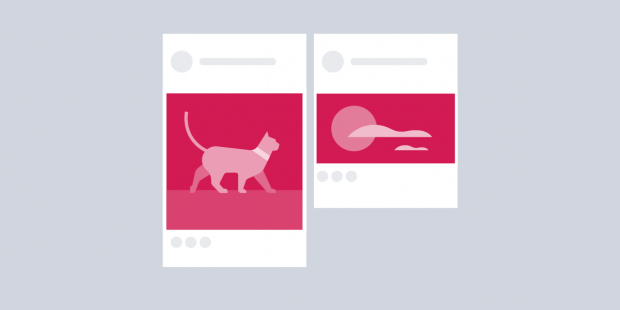
Facebook remains one of the largest social networks in the world. Current recommended dimensions:
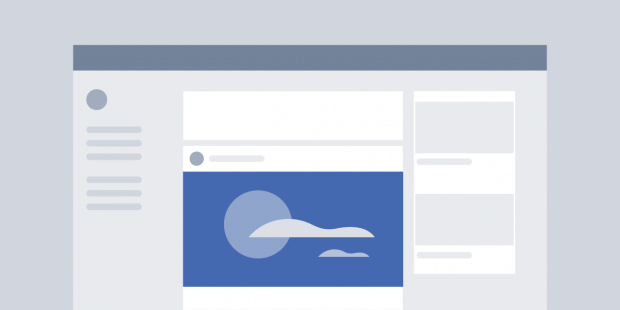
- Feed post (square): 1080 x 1080 pixels
- Feed post (landscape): 1200 x 630 pixels
- Feed post (vertical): 1080 x 1350 pixels
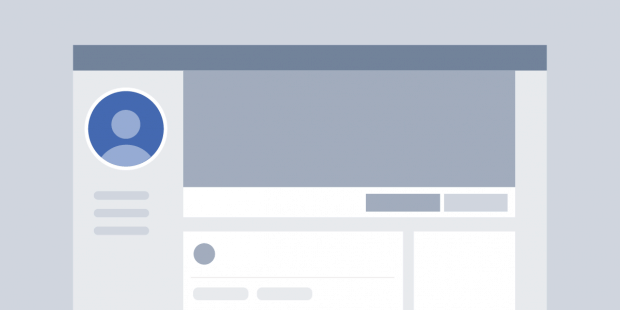
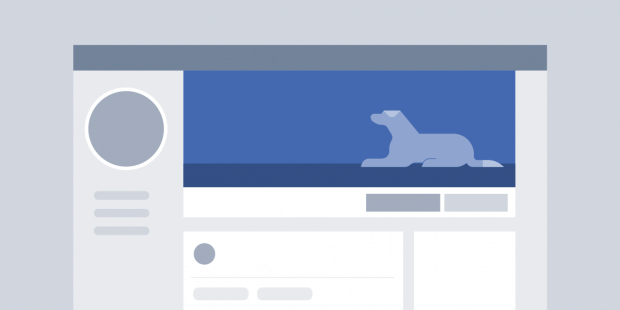
- Profile picture: 400 x 400 pixels (displayed smaller on desktop and mobile)
- Cover photo: 851 x 315 pixels (16:9)
- Story image: 1080 x 1920 pixels
Instagram Image Size
Instagram continues to emphasize quality visuals above almost everything else. Current specifications:
Regular Content:
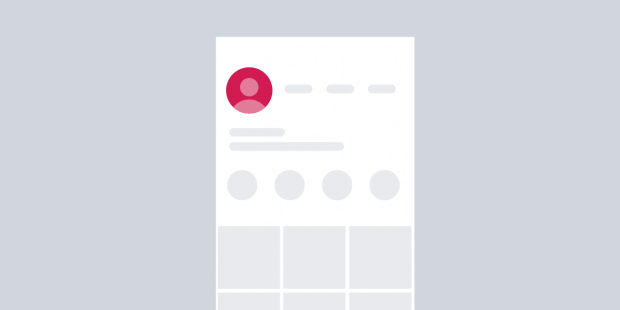
- Profile picture: 320 x 320 pixels (displayed as a circle)
- Feed post (square): 1080 x 1080 pixels
- Feed post (portrait, recommended): 1080 x 1350 pixels (4:5)
- Feed post (landscape): 1080 x 566 pixels
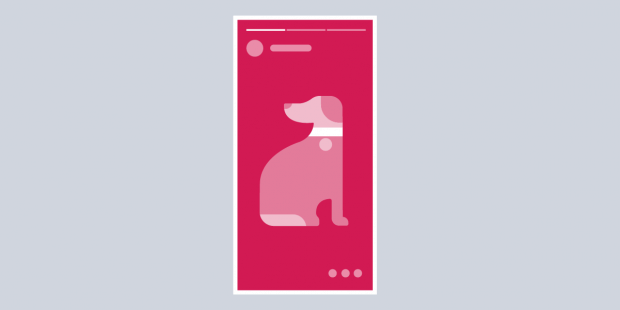
- Stories and Reels: 1080 x 1920 pixels (9:16)
Advertisement:
- Square ad image: 1080 x 1080 pixels
- Landscape ad image: 1080 x 566 pixels
Instagram’s profile grid now previews posts at a 3:4 ratio rather than the old square crop, so it’s worth keeping important content centered in any image you plan to post — it may get cropped differently in the grid preview than in the full post.
X (Formerly Twitter) Image Size
X, the platform formerly known as Twitter, has its own set of image requirements:
- Profile picture: 400 x 400 pixels (1:1, displayed as a circle)
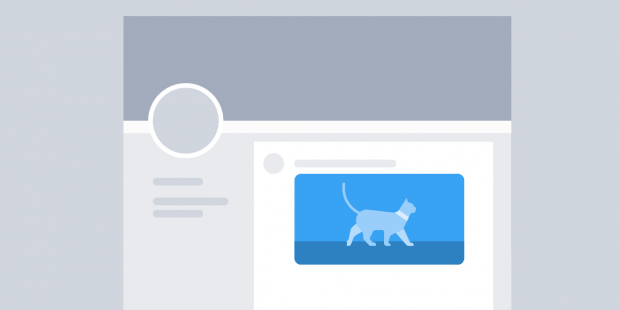
- Header image: 1500 x 500 pixels (3:1)
- In-stream post image (landscape): 1200 x 675 pixels (16:9)
- In-stream post image (mobile-optimized, vertical): 1080 x 1350 pixels (4:5)


Pinterest Image Size
Pinterest remains a platform primarily driven by visual, discovery-focused content. Current recommended dimensions:
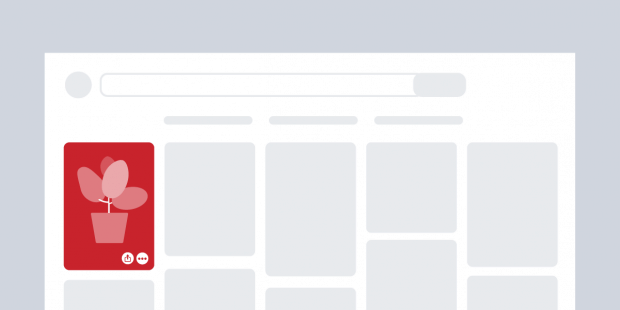
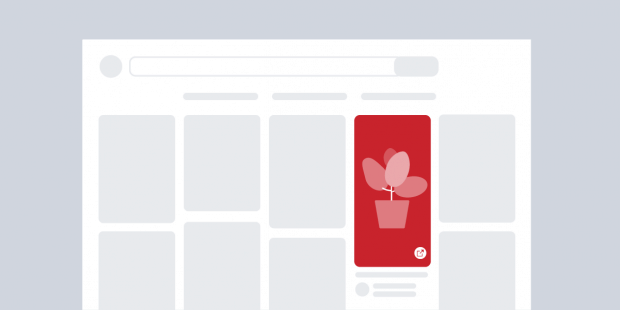
- Standard Pin (recommended): 1000 x 1500 pixels (2:3) — this ratio takes up the most space in the feed and tends to see the strongest engagement
- Square Pin: 1000 x 1000 pixels
- Idea Pin: 1080 x 1920 pixels (9:16)
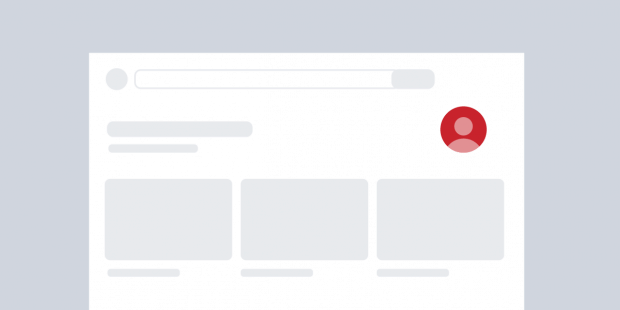
- Profile picture: at least 165 x 165 pixels (a 600 x 600 square is recommended for a sharper result)
- Board cover: 600 x 600 pixels
- Profile banner: 800 x 450 pixels (16:9)
LinkedIn Image Size
LinkedIn’s B2B focus makes it a distinct platform from the others on this list, both in tone and in its image requirements:
Individual Profile:
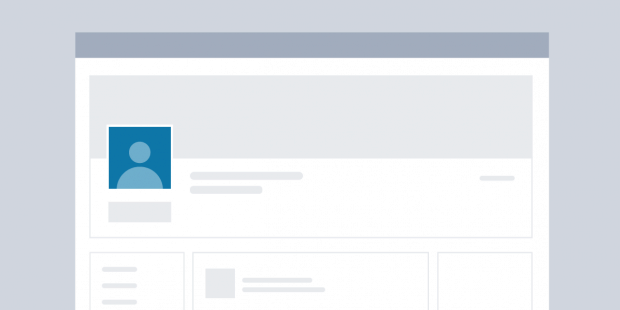
- Profile picture: 400 x 400 pixels
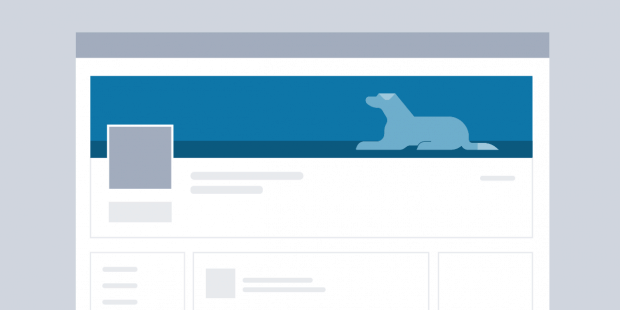
- Profile banner: 1584 x 396 pixels (4:1)
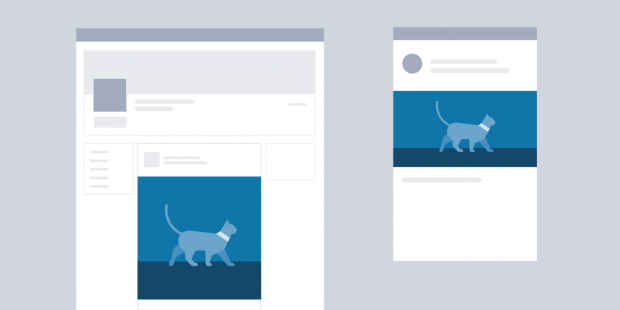
- Square post image: 1080 x 1080 pixels
- Portrait post image: 1080 x 1350 pixels
- Link preview image: 1200 x 627 pixels
Company Page:
- Logo: 400 x 400 pixels
- Cover image: 4200 x 700 pixels
Keep in mind that on mobile, a small area at the bottom-left of your profile banner gets covered by your profile picture — avoid placing important text or logos there.
A Few General Tips for Every Platform
- Export at the recommended resolution, not larger. Oversized images get compressed automatically and can lose sharpness in the process.
- Keep important content centered. Profile pictures, in particular, are almost always cropped into a circle, and feed previews often crop differently than the full post.
- Use PNG for logos and text-heavy graphics, and JPG for photos, to balance quality and file size.
- Recheck dimensions periodically. Platforms update their recommended sizes more often than most people expect — what worked perfectly a year ago may now display with unwanted cropping.
- Design for the tightest crop first. If an image needs to work as both a square post and a circular profile picture, design around the more restrictive circular crop so nothing important gets cut off either way.
The Bottom Line
Getting your social media image sizes right is one of the simplest, most overlooked parts of a strong social media presence. Sharp, correctly sized images avoid awkward cropping and blurriness, and that polish — combined with consistent posting — helps build stronger relationships with your audience as part of your overall marketing strategy.
Bookmark this guide as a quick reference the next time you’re preparing images for Facebook, Instagram, X, Pinterest, or LinkedIn, but don’t treat any image size guide as permanent — platforms update their specifications regularly, so it’s worth spot-checking a platform’s own help documentation before a major campaign if pixel-perfect display really matters.