
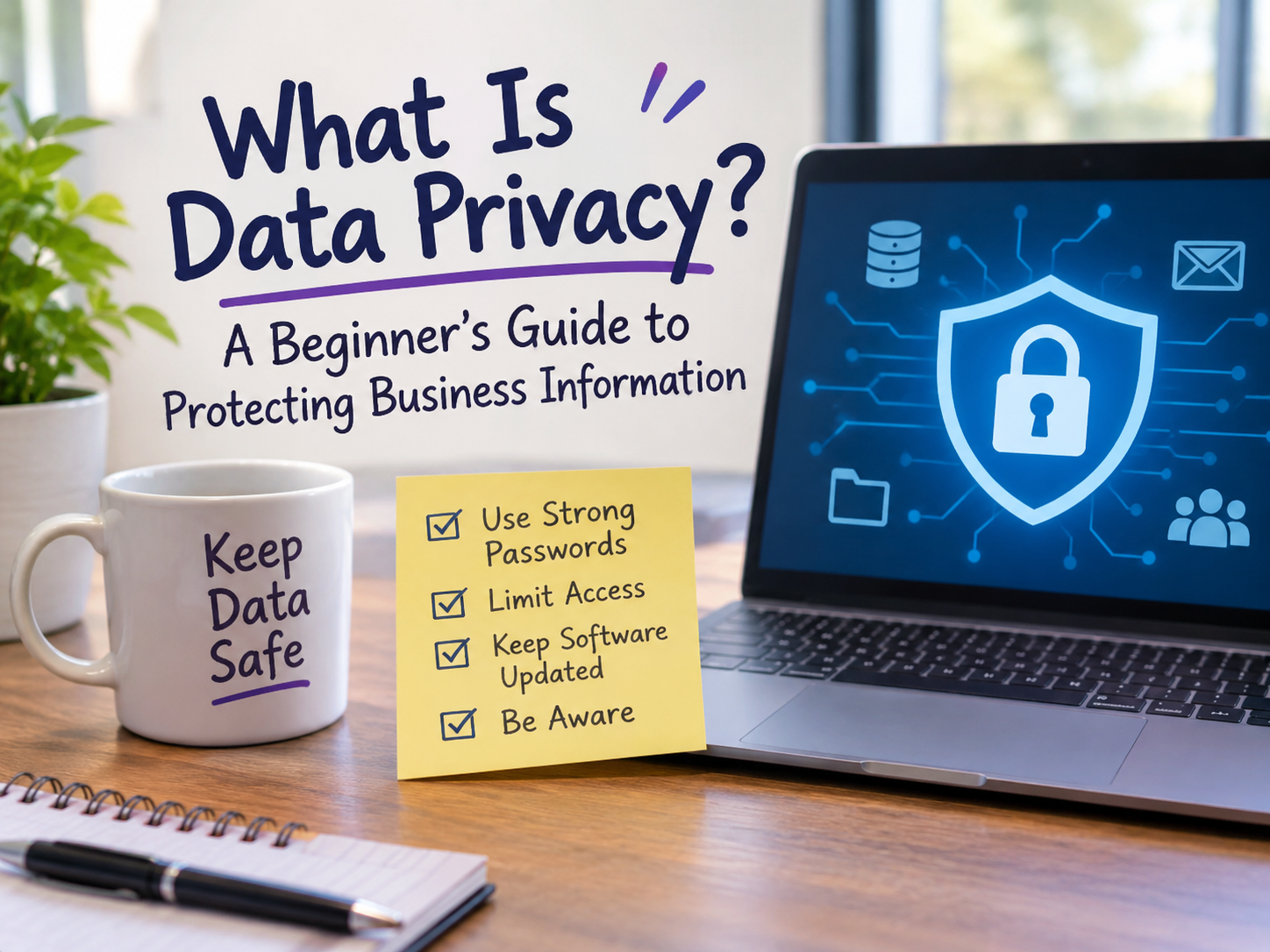
If your business has a customer list, an order history, a contact form, or even employee payroll records, you are handling data that belongs to other people, and often data that is vital to your own company. Customers trust you with it. Laws increasingly require you to protect it. And when it leaks, the cost goes far beyond a fine: lost trust, lost sales, and a lot of cleanup.
This guide explains what data privacy means for a business, which information you need to protect, the rules that may apply, and a practical checklist you can start on this week. If you are looking for the personal side, read protecting personal information.
What Is Data Privacy for a Business?
Data privacy means collecting, using, storing, and sharing personal and confidential information responsibly and in line with the law and the promises you made. It is about what you collect, why, who can see it, and how long you keep it.
It is different from data security, which is the set of technical protections (passwords, encryption, backups) that keep data from being stolen. Privacy decides what you should hold and share. Security protects what you hold. A sound program needs both. See cybersecurity fundamentals for the security side.
What Information Do You Need to Protect?
Start by knowing what you have. Most businesses hold several kinds of data:
| Category | Examples |
|---|---|
| Customer data | Names, emails, phone numbers, addresses, order history, support tickets |
| Payment data | Card numbers, bank details, billing records |
| Employee data | Payroll, tax IDs, health or benefits information, performance reviews |
| Business confidential | Contracts, financials, pricing, strategy, source code, trade secrets |
| Website data | Form submissions, analytics, cookies, login credentials |
| Third-party data | Information vendors or partners share with you |
Anything that identifies a person is personal data. Some of it, like health, financial, and children’s data, is sensitive and has stricter rules.
Why Data Privacy Matters to Your Business
- Legal compliance. Privacy laws can bring fines and required notifications after a breach.
- Customer trust. People choose businesses they believe will protect their information.
- Lower breach costs. The less data you keep, the less there is to lose.
- Contracts and partnerships. Larger customers often require proof of good privacy practices.
- Reputation. News of a leak spreads quickly and lingers.
Privacy Laws That May Apply
Which laws apply depends on where you operate and where your customers live, not just where your office is:
- GDPR (EU/UK): applies if you offer goods or services to, or monitor, people in the EU. It requires a lawful reason to process data, clear notices, and honoring requests to access or delete data.
- CCPA / CPRA (California) and similar U.S. state laws: give residents rights to know, delete, and opt out of the sale or sharing of their data, with thresholds based on business size and data volume.
- Industry rules: HIPAA for U.S. health data, PCI DSS for payment cards, and others.
This is a general overview, not legal advice. If you handle sensitive data or serve customers in several regions, consult a qualified professional.
The Core Principles of Good Data Privacy
Most privacy laws share the same ideas, which makes them a good checklist even where no law forces you:
- Collect only what you need (data minimization).
- Use it only for the stated purpose (purpose limitation).
- Be transparent. Tell people what you collect and why, in plain language.
- Get consent where required, and make it easy to withdraw.
- Keep it accurate and let people correct it.
- Keep it no longer than necessary (retention limits).
- Protect it with appropriate security.
- Be accountable. Know who is responsible, and be able to show what you do.
A Practical Privacy Checklist for Small Businesses
1. Know your data
Make a simple inventory: what personal data you collect, where it lives (website, spreadsheets, email, CRM, cloud tools), who can access it, and why you have it.
2. Collect less
Review your forms. Remove fields you do not truly need. Delete data you no longer have a reason to keep.
3. Write a clear privacy policy
Explain what you collect, how you use it, who you share it with, how long you keep it, and how people can contact you. Keep it accurate. Do not promise things you do not do. Add a cookie notice if your site uses non-essential cookies or analytics.
4. Control access
Give each person only the access their job needs. Use unique logins, never shared passwords, and remove access immediately when someone leaves.
5. Secure accounts and devices
- Require strong passwords and a password manager
- Turn on multi-factor authentication for email, cloud, and admin accounts
- Keep systems and plugins updated, which matters especially for websites (see WordPress under attack)
- Encrypt laptops and phones, and know how to wipe a lost device
- Read Employee Device Security for how one compromised laptop can reach the whole company
6. Protect data in transit and at rest
Use HTTPS on your website, encrypt sensitive files and backups, and avoid sending sensitive data by plain email.
7. Vet your vendors
Every payment processor, email platform, and cloud tool that touches your data is part of your privacy picture. Check their security and privacy terms, and sign a data processing agreement where required.
8. Train your team
Most breaches start with a human mistake, such as a phishing click or a misdirected email. Short, regular training on spotting scams and handling data pays off. Also keep an eye on malware threats.
9. Back up and plan for incidents
Keep tested, offline or separate backups. Write a short incident response plan that answers: who do we call, how do we contain it, who must be notified, and how fast?
10. Honor people’s requests
Decide how you will handle requests to access, correct, or delete data, and who is responsible for answering within the legally required time.
What to Do if You Have a Data Breach
- Contain it. Disconnect affected systems, reset credentials, and stop further exposure.
- Assess it. What data, whose data, and how many people?
- Preserve evidence so you can understand what happened.
- Notify as required. Many laws set deadlines (sometimes 72 hours) for informing regulators and affected people. Get professional advice early.
- Fix the root cause, then review and improve your controls.
- Communicate honestly with customers about what happened and what they should do.
Common Mistakes to Avoid
- Collecting “just in case” data you never use
- Keeping customer data in personal spreadsheets, email attachments, or unsecured folders
- Sharing one admin password across the team
- Forgetting to remove former employees’ access
- Copy-pasting a privacy policy that does not match what you actually do
- Assuming a small business is too small to be a target
Conclusion
Business data privacy is built on a few simple habits: know what you collect, collect less, say clearly what you do with it, restrict who can see it, secure it, and have a plan for when something goes wrong. You do not need a large budget to begin. A data inventory, a clear privacy policy, multi-factor authentication, and a short training session already put you ahead of many organizations.
Begin with the inventory this week, then work through the checklist one item at a time. For the personal side of the same topic, read the guide to protecting personal information.