
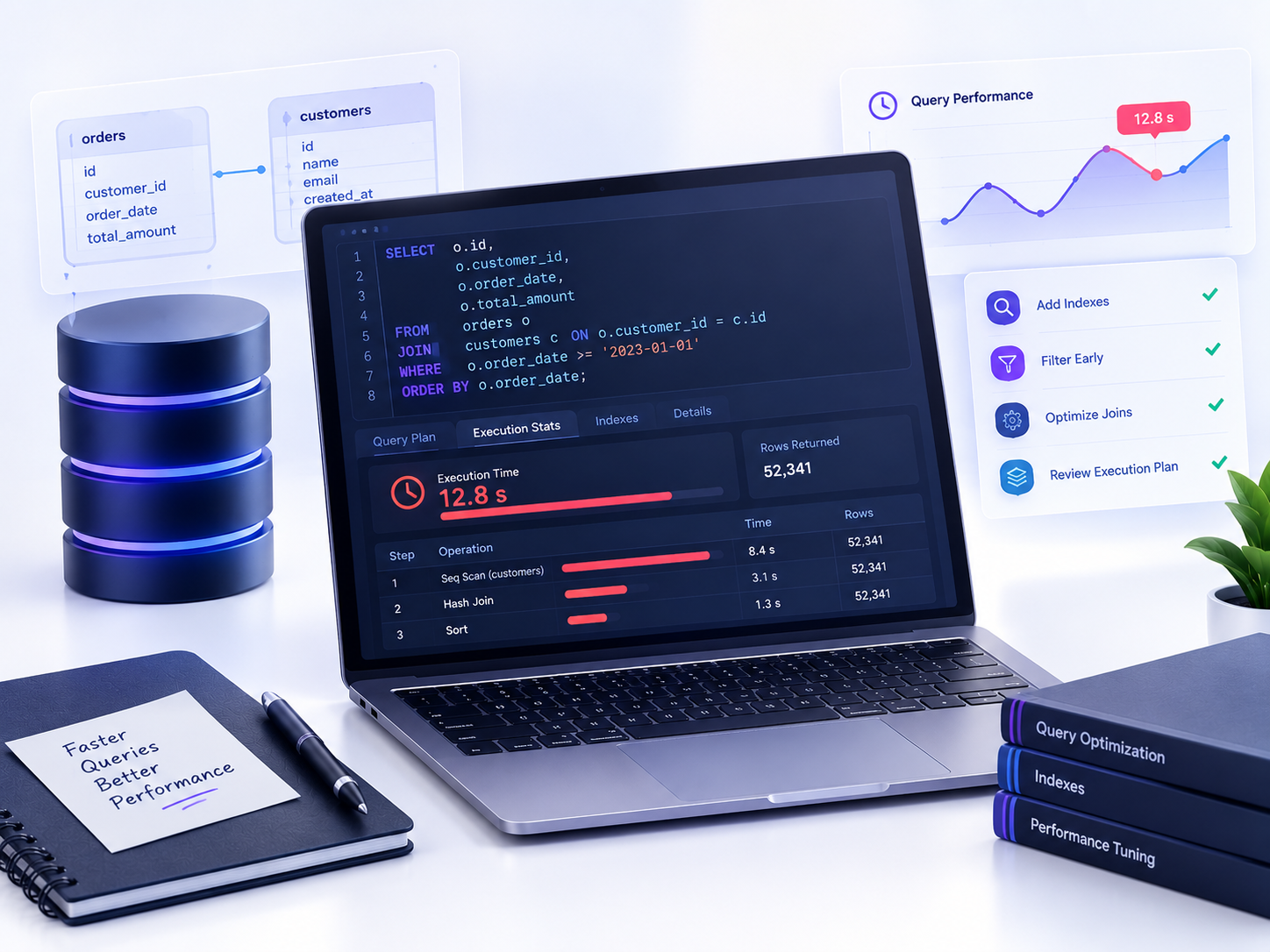
A query that ran instantly against your test data can suddenly crawl once it’s pointed at a real, full-sized production table — and if you’ve ever sat there watching a loading spinner wondering why your SQL query is slow, you’re dealing with one of the most common growing pains in working with databases.
The good news: a slow SQL query almost always has an identifiable, fixable cause. It’s rarely “the database is just slow” — it’s usually that the database engine is scanning far more rows than it actually needs to, because of a missing index, an inefficient WHERE clause, or a query structure that fights against how databases are optimized to work.
This guide walks through how to diagnose a slow query, the most common reasons SQL queries slow down, and practical fixes for each one — the same fundamentals covered in SQL JOINs and database design apply directly here, just from a performance angle.
Why Is Your SQL Query Slow? The Short Answer
In almost every case, a slow query comes down to one thing: the database is reading more data than it needs to before it can answer your question. Diagnosing slowness means figuring out exactly where that extra work is happening.
How to Diagnose a Slow Query
Use EXPLAIN to See What the Database Is Actually Doing
Most databases let you preview how a query will be executed before running it, using EXPLAIN:
EXPLAIN SELECT * FROM orders WHERE customer_id = 42;
EXPLAIN shows whether the database is using an index to find matching rows, or performing a full table scan — checking every single row in the table one by one. A full table scan on a small table is fine; on a table with millions of rows, it’s almost always the source of a slow query.
Common Reasons a SQL Query Is Slow
1. Missing Indexes
This is the single most common cause of a slow query. An index lets the database jump straight to matching rows instead of scanning the entire table.
-- Add an index on a column you filter or join on frequently
CREATE INDEX idx_orders_customer_id ON orders (customer_id);
Without this index, filtering orders by customer_id forces a full table scan every single time.
2. Using SELECT * Instead of Specific Columns
SELECT * pulls every column, even ones you don’t need, which increases how much data the database has to read and send back.
-- Slower: retrieves every column
SELECT * FROM orders WHERE customer_id = 42;

-- Faster: retrieves only what you actually need
SELECT order_id, order_date, total_amount FROM orders WHERE customer_id = 42;
3. Applying Functions to Indexed Columns in WHERE
Wrapping an indexed column in a function usually prevents the database from using its index at all:
-- Slow: the function on order_date blocks index usage
SELECT * FROM orders WHERE YEAR(order_date) = 2024;

-- Fast: a plain range comparison can still use the index
SELECT * FROM orders WHERE order_date >= '2024-01-01' AND order_date < '2025-01-01';
4. Leading Wildcards in LIKE Searches
A LIKE pattern that starts with % can’t use a standard index, because the database has no fixed starting point to search from:
-- Slow: leading wildcard forces a full scan
SELECT * FROM customers WHERE email LIKE '%gmail.com';

-- Fast: a pattern anchored at the start can use an index
SELECT * FROM customers WHERE email LIKE 'john%';
5. The N+1 Query Problem
This happens when application code runs one query per item in a loop, instead of one query that gets everything at once:
-- N+1: a separate query for every single customer
SELECT * FROM orders WHERE customer_id = 1;
SELECT * FROM orders WHERE customer_id = 2;
-- ...repeated for every customer in the list

-- One JOIN instead of hundreds of separate queries
SELECT customers.name, orders.*
FROM customers
JOIN orders ON customers.id = orders.customer_id;
If you’re not already comfortable with JOIN, this guide to SQL JOINs covers exactly this kind of fix.
6. Deep Pagination with Large OFFSET Values
OFFSET forces the database to scan and discard every row before the offset point — which gets painfully slow deep into a large result set:
-- Slow on large tables: scans and discards the first 990,000 rows
SELECT * FROM products ORDER BY id LIMIT 20 OFFSET 990000;

-- Faster: "keyset pagination" using the last seen ID
SELECT * FROM products WHERE id > 990000 ORDER BY id LIMIT 20;
7. Joining on Unindexed Columns
A JOIN is only as fast as the indexes on the columns it’s matching. Joining two large tables on unindexed columns forces the database to compare rows the slow way, essentially scanning both tables repeatedly.
Quick Wins to Speed Up a Slow Query
- Run
EXPLAINbefore assuming you know why a query is slow. - Add indexes on columns used in
WHERE,JOIN, andORDER BYclauses. - Select only the columns you actually need, never
SELECT *out of habit. - Avoid wrapping indexed columns in functions inside
WHERE. - Rewrite
LIKE '%pattern'searches to avoid leading wildcards where possible. - Replace loops of individual queries with a single
JOIN. - Swap large
OFFSETvalues for keyset pagination on big tables.
Next Steps
If a query is still slow after checking the items above, it’s worth revisiting how the underlying tables are structured — a solid database design with the right primary keys, foreign keys, and normalization goes a long way toward keeping queries fast in the first place, rather than fixing performance problems after they show up.
Conclusion
Why is your SQL query slow? In the vast majority of cases, it’s because the database is scanning far more data than it needs to — usually from a missing index, an overly broad SELECT *, a function blocking index usage, or a query pattern like OFFSET pagination that doesn’t scale well.
Work through the common causes in this guide in order: check EXPLAIN first, add missing indexes, trim unnecessary columns, and rewrite anything that blocks index usage. Most slow queries have a specific, fixable root cause rather than a mysterious one — and once you’ve diagnosed a handful of them, spotting the next slow query gets noticeably faster too.